
Everything you need to get started and go deeper
New to the platform?
We'll guide you step by step:
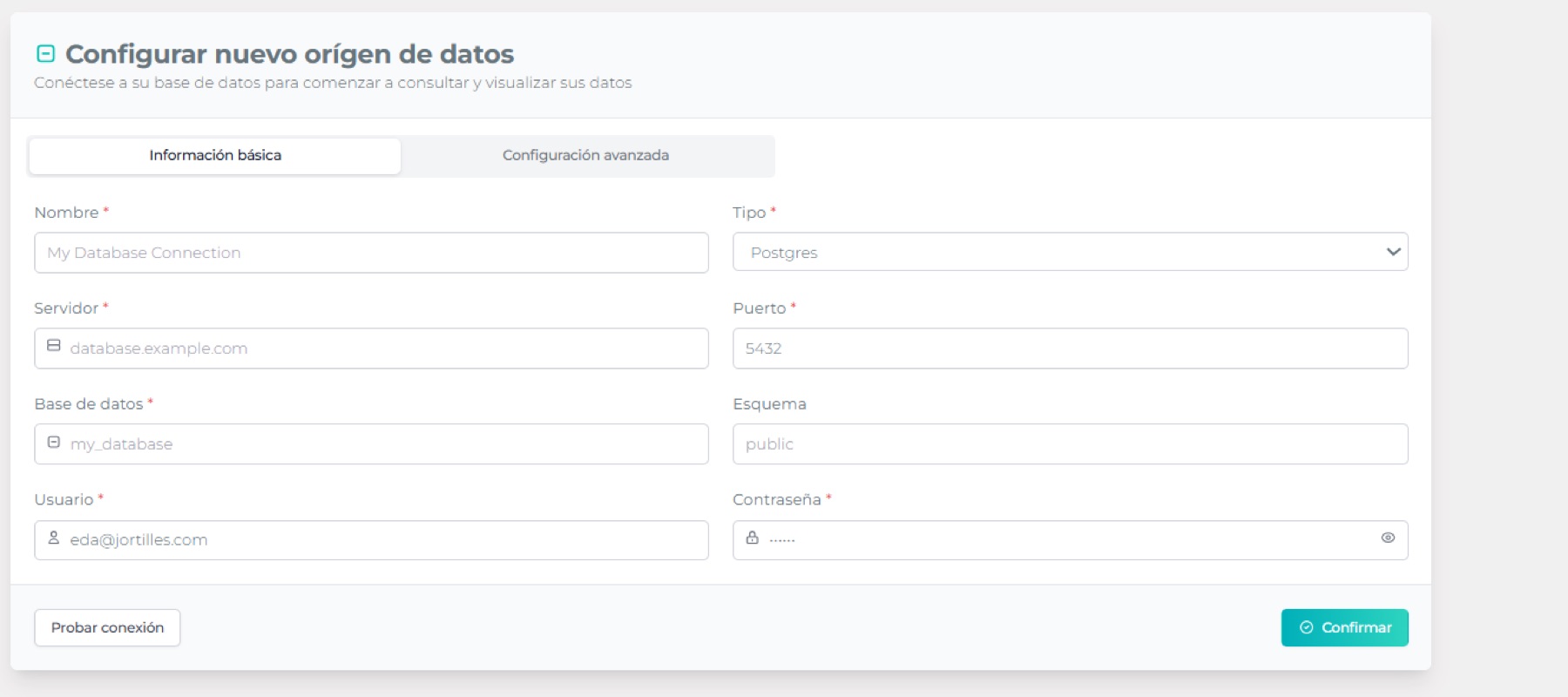
1. Connect your data
Upload a CSV or connect a database (whichever you prefer).
With the Base and Pro plans, you can create local databases in Edalitics.
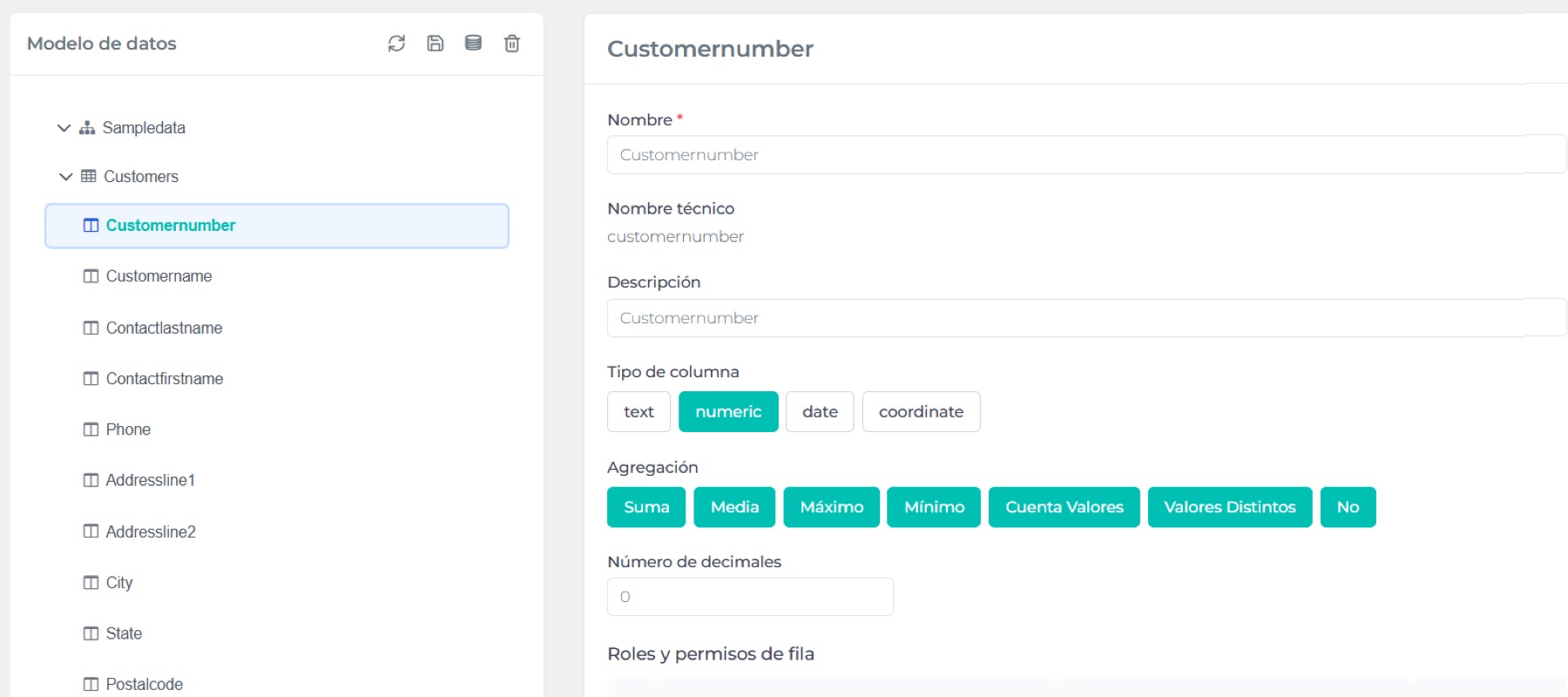
2. Create your data model
Organize and contextualize information with data models.
They make it easier to understand and analyze. We guide you with step-by-step videos and documentation.
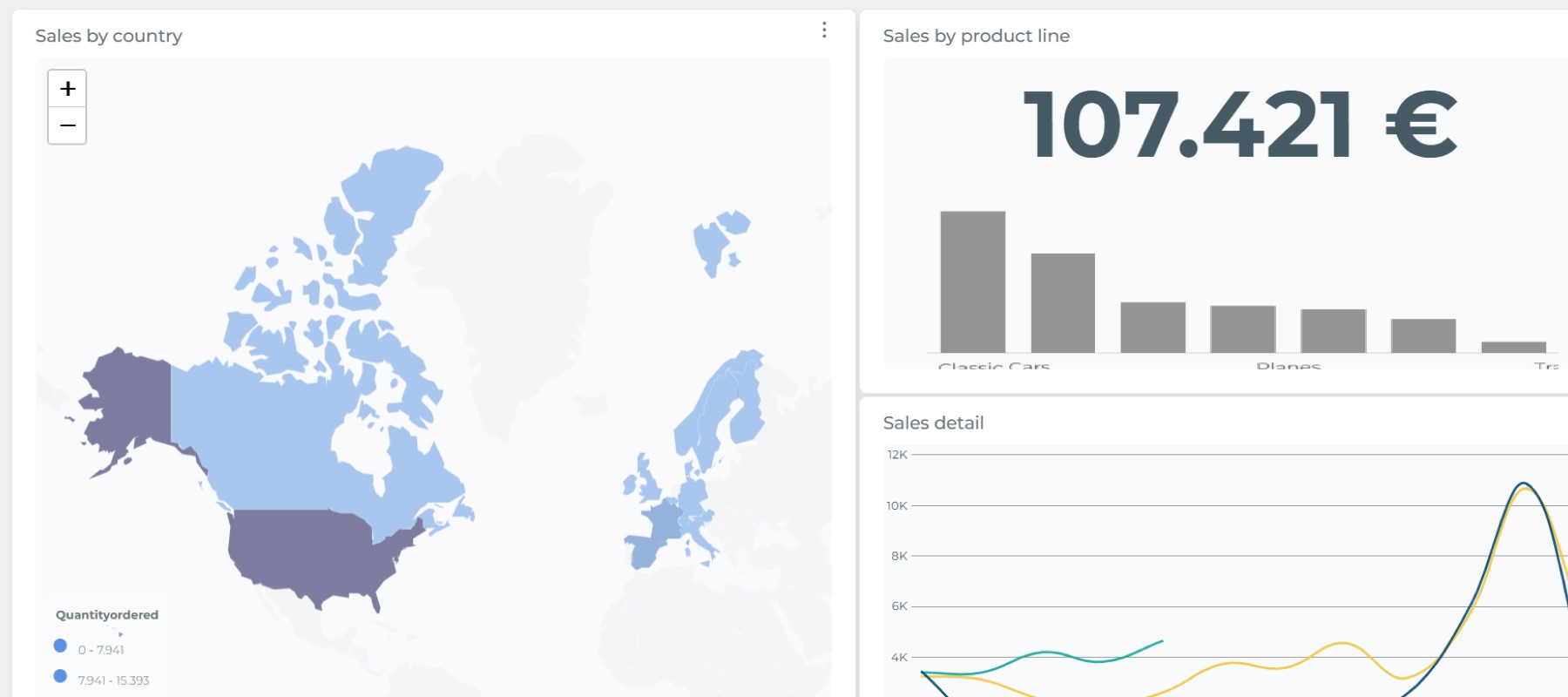
3. Generate reports
Once you have the model, you can visualize the data in reports and graphs.
If you’re starting with Edalitics Free, we’ve included a sample model to help you get started quickly.
With these three basic principles, you can now create your data models and reports with Edalitics. But that’s not all. You can also:
- Apply security.
- Create linked reports with summary and detail.
- Make reports public and private.
- Customize the appearance.
- Run advanced queries in SQL mode.
- Send email alerts.
- And much more!
If you have any questions, you can always ask in the forum.
Connect your plataform with the tools you already use.
CRMs
- Salesforce
- HubSpot
- Zoho
- And more…
E-commerce platforms
- Shopify
- WooCommerce
- And more…
Data sources
- Google Sheets
- BigQuery
- SQL databases
- And more …
Tools via
- API RESTful
- And more …
Check out our tutorials for examples and implementation guides. If you have any questions, please contact us.
Improve your skills with our training resources
Want to get the most out of Edalitics?
Check out our complete documentation and discover everything you can do with the platform.
How to create a data model
How to create a report
How to connect to your ERP
What-if analysis
Join a community of users, technicians, and analysts.

- Share questions, best practices and ideas
- Receive support from other users and our team
- Participate in discussions about new features
Do you have any questions or issues?
We're here to help.
- Help center with frequently asked questions
- Real-time chat with our support team
- Ticket system for more technical questions



Cloud Analytics for everyone
© 2026 Edalitics. All Rights Reserved.